A WordPress website can power content and product delivery for all kinds of businesses and individuals
1 – Slow loading times
Nothing infuriates web users more than a slow website load, which is why Google is now incorporating load times into its search algorithms.
2 – The white screen of death
Every WordPress user has experienced this. It can happen for any number of reasons, as simple as leaving extra space at the end of a configuration file
3 – Gateway of Database connection errors
At least, in this case, your visitors get something when they come to your website. But you still look silly, and you cost yourself traffic.
4 – The Just another WordPress Tagline
This is the default tagline that’s loaded in your WordPress. If you don’t change it or have a theme that overrides it this will be visible in your header and possibly even your homepage search results.
5 – The site was de-indexed because you set it to private
If you use WordPress as a CMS, you might launch a blog after launching your main website. In doing this, you might think it a good idea to take advantage of WordPress options to make your site private, which will keep search engines away, such as Google. Don’t
6 – Running an old version of WordPress
The incredible group of developers who work on WordPress is constantly working to make it better in performance, usability, and security.
7 – Keeping deactivated plugins
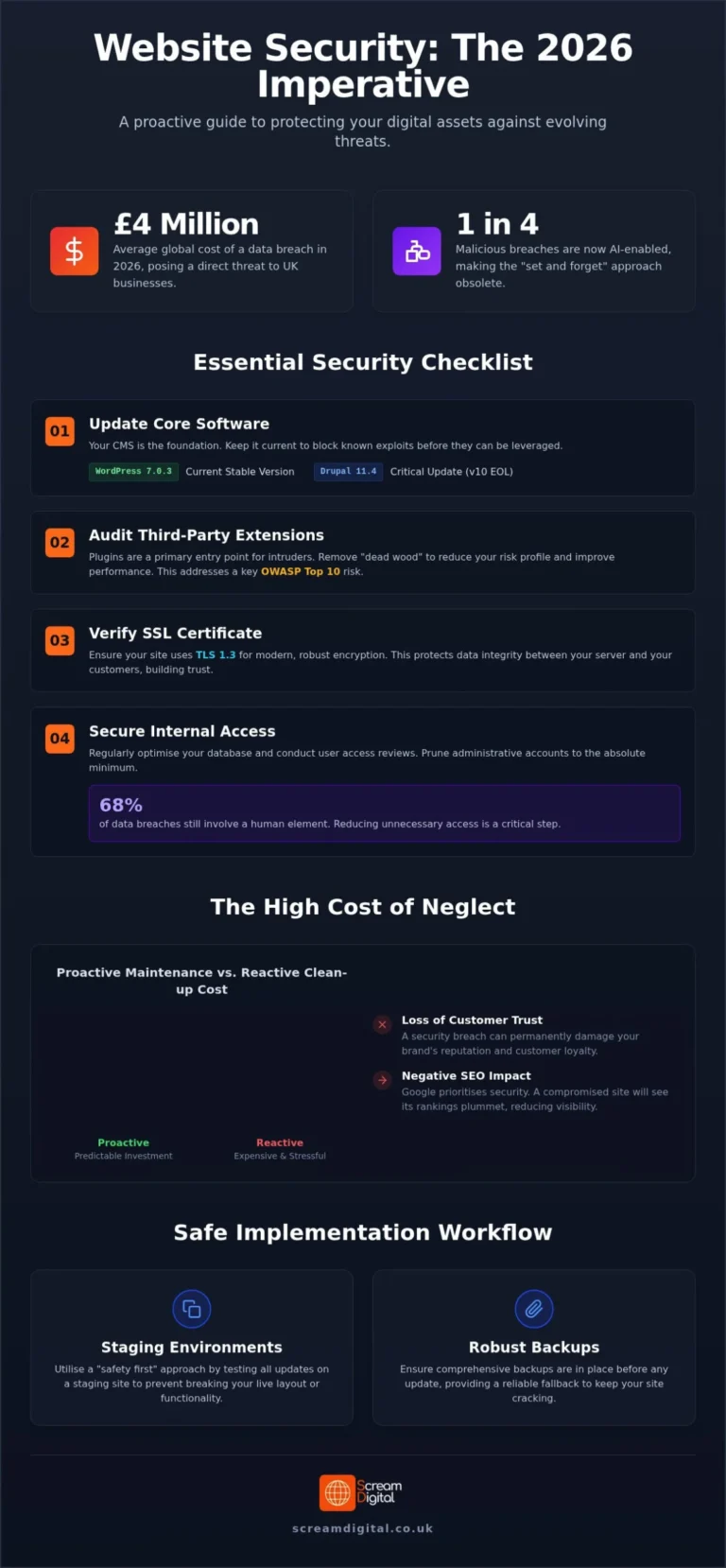
One of the most common ways that hackers infiltrate WordPress is through a backdoor in plugins. This is why using discretion when installing plugins in the first place is so important and why inactive plugins should be deleted.
8 – Keeping a messy admin section
The best wp-admin sections are neatly kept up-to-date and uncluttered.
9 – Post that spans the entire front page
WordPress has a very simple built-in way to keep your main blog page looking neat and organised: the “Read More” button
10 – Your sidebar shows your content
Sidebar widgets make it super simple to customise your sidebar. The flip side is that it can be easy to make a mistake, such as one extraneous <div> or </div> that makes part of all your sidebar seemingly disappear
11 – Phantom homepage gobbledygook
Sometimes when you activate (or change) the settings of a plugin, it can have unintended consequences.
12 – The dreaded /WordPress blog subdirectory
If you are installing WordPress to power a blog attached to your website, installing it in a subdirectory like yoursite.com/blog is perfectly acceptable.
13 – index.php in your URLs
Speaking of being installed incorrectly, that is exactly what happens. If you see a URL like yoursite.com/index.php/hello-world and do you know this is a silly mistake?
14 – Local and/or visible backups
What’s worse than looking silly? Looking silly while severely compromising your security.
15 – Visible server information
Speaking of hackers, who we’ve already spoken about a lot and with good reason. You’re giving them an easy starting point for their nefarious activities if you’re providing detailed PHP info on the version of WordPress you are running
Want help putting this into practice on your own site? Take a look at our Web Development service.